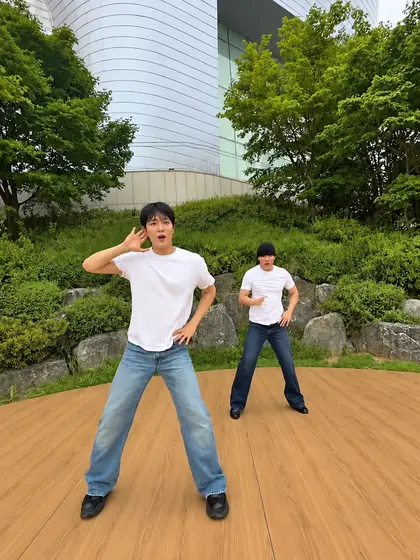
 Vellm
Vellm1 photo · 10 sec
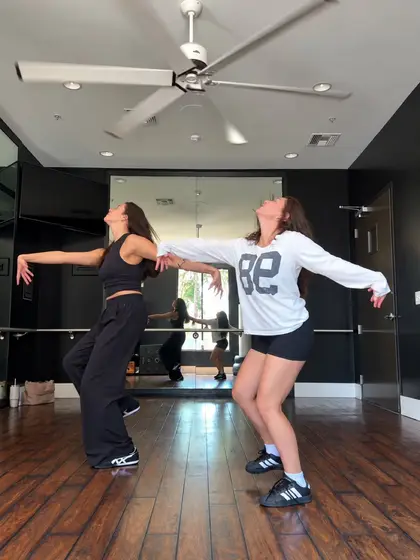
Bulin 47 Dame Hombro
1 photoOriginal trend @visjanukcenaj
1 photo10 sec1080p
1 video: $6.9950 credits
From $4.58 / video with the Keep creating pack (600 credits, $54.99 total). USD.
Vellm is a browser alternative to CapCut AI dance templates. Pick a trending dance such as Bulin 47, Wipe Me Down, or Thriller, upload one clear photo of each dancer, and get a vertical video of 9–30 seconds in about 7 minutes, with no editing and no watermark. There is nothing to install and no subscription: one-time packs, $6.99 for one video, or $4.58 each with the Keep creating pack. Vellm is an independent tool and is not affiliated with CapCut or ByteDance.
Most videos are ready in about 7 minutes. If a generation fails, your credits come back automatically.
Template problems
These are the causes CapCut's own help pages give. Each line links to the page it comes from.
If you can fix it in CapCut, do. If you want the dance from a photo without editing, here is the other route.
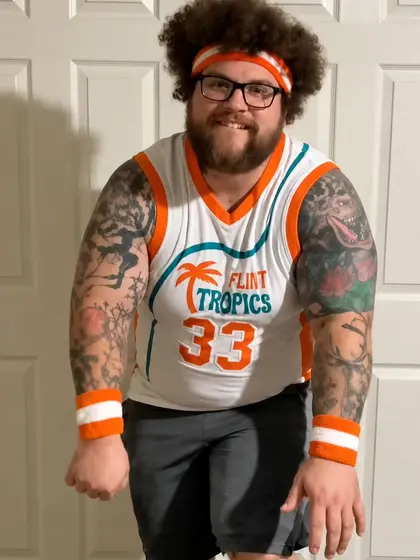
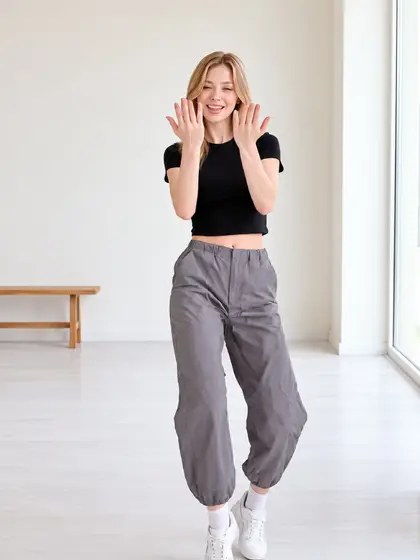
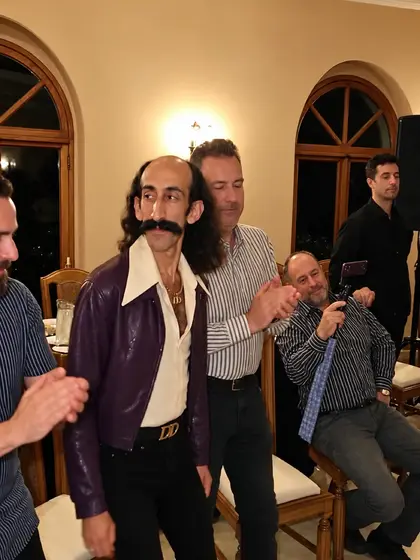
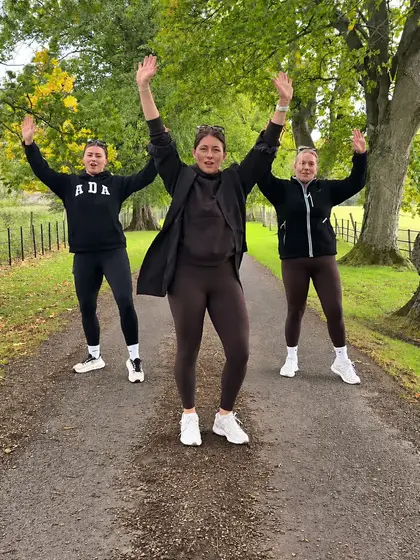
Live now. Each card shows the photos it takes, the length and the price. Open one to upload your photo.
Original trend @visjanukcenaj
1 photo10 sec1080p
1 video: $6.9950 credits
From $4.58 / video with the Keep creating pack (600 credits, $54.99 total). USD.
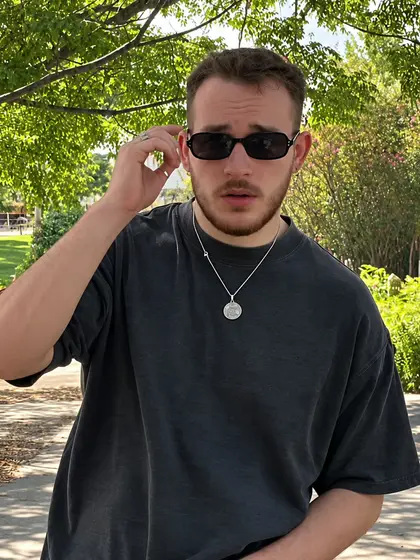
Original trend @mattshort85
1 photo14 sec1080p
1 video: $6.9950 credits
From $4.58 / video with the Keep creating pack (600 credits, $54.99 total). USD.
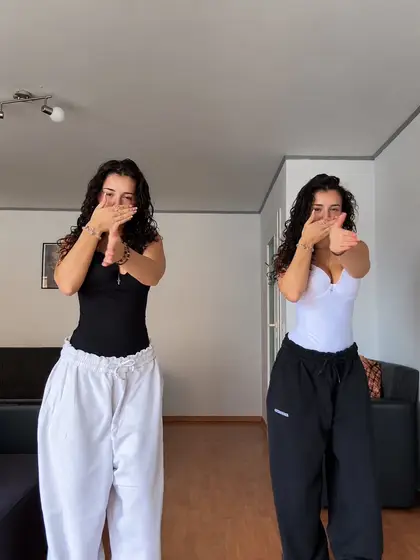
Original trend @lola_mova
1 photo13 sec1080p
1 video: $6.9950 credits
From $4.58 / video with the Keep creating pack (600 credits, $54.99 total). USD.
Original trend @sllykidchaos
1 photo9 sec1080p
1 video: $6.9950 credits
From $4.58 / video with the Keep creating pack (600 credits, $54.99 total). USD.
Original trend @annaliseamira8
1 photo17 sec1080p
1 video: $9.99100 credits
From $9.17 / video with the Keep creating pack (600 credits, $54.99 total). USD.
Original trend @gracebettyharmer
3 photos15 sec1080p
1 video: $6.9950 credits
From $4.58 / video with the Keep creating pack (600 credits, $54.99 total). USD.
Original trend @dr.gabagoo
1 photo18 sec1080p
1 video: $9.99100 credits
From $9.17 / video with the Keep creating pack (600 credits, $54.99 total). USD.
Original trend @totummare
2 photos30 sec1080p
1 video: $13.99150 credits
From $13.75 / video with the Keep creating pack (600 credits, $54.99 total). USD.
Original trend @gnomeboys
2 photos15 sec1080p
1 video: $6.9950 credits
From $4.58 / video with the Keep creating pack (600 credits, $54.99 total). USD.
Original trend @bobo_le
2 photos15 sec1080p
1 video: $6.9950 credits
From $4.58 / video with the Keep creating pack (600 credits, $54.99 total). USD.
Original trend @kellyisdancing
2 photos12 sec1080p
1 video: $6.9950 credits
From $4.58 / video with the Keep creating pack (600 credits, $54.99 total). USD.
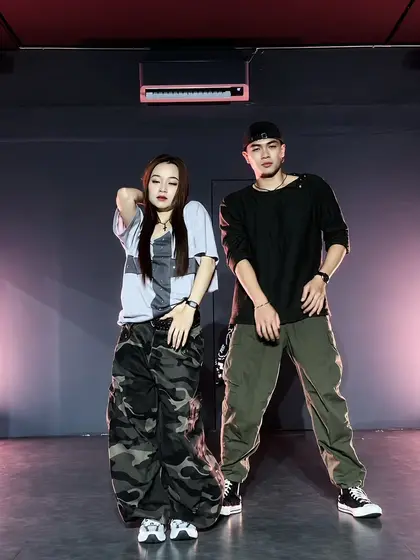
Original trend @pyo_bros2
2 photos15 sec1080p
1 video: $6.9950 credits
From $4.58 / video with the Keep creating pack (600 credits, $54.99 total). USD.
Side by side
| Topic | CapCut template | Vellm |
|---|---|---|
| What you start with | Your own clips or photos placed into a fixed edit | 1 photo per dancer; the AI makes a new video |
| The dance | Whatever the template's edit does; you film or supply the moves | A fixed trending routine, from the original TikTok clip (credited) |
| Editing | You edit in the app | None; no prompt to write |
| Install | CapCut app or web editor | Browser on phone or computer |
| Watermark | Pro templates need CapCut Pro for watermark-free export CapCut help | No watermark on every paid video |
| Cost | Free templates, or a Pro subscription for Pro ones; see CapCut's pricing page CapCut pricing | One-time packs: $6.99 for one video, $4.58 each with a bigger pack; no subscription |
| Availability | Templates can be deleted, made private or missing in some regions CapCut help | Every template on the page is live and made on demand |
| Sound | Template music in the app | Silent MP4, or original clip sound for personal viewing on most; add the trending sound when you post |
| Likeness | Your real footage | AI: faces, hands and clothes can drift in fast moves |
| Edit after | Full timeline | Download the MP4 and edit it anywhere, CapCut included |
Which one
Results
One supplied portrait and the actual Bulin 47 video made from it. Results vary between generations. See the full example.

Every template shows its original trend, how many photos it takes and its price before you start.
One clear photo, or up to 3 for templates that take more. Each template page says what to upload. There is no prompt to write.
Pay with a one-time credit pack: $6.99 for one video, or $4.58 each with the Keep creating pack (600 credits). It usually takes about 7 minutes, and we email you the link.
Download the MP4 with no watermark. The original clip's sound is optional on most templates, for personal viewing. To post, use the silent version and add the trending sound in TikTok, Reels or Shorts.
Photo tips
Each card shows how many photos the dance takes. Use a recent photo of each dancer, and only photos of people who agreed to it.
Pricing
One-time credit packs; no subscription needed. Prices in USD; your currency shows at checkout.
50 credits per video
$6.99 for one video
From $4.58 a video with the Keep creating pack (600 credits, $54.99 total).
100 credits per video
$9.99 for one video
From $9.17 a video with the Keep creating pack (600 credits, $54.99 total).
150 credits per video
$13.99 for one video
From $13.75 a video with the Keep creating pack (600 credits, $54.99 total).
See AI dog dance templates and AI cat dance templates: the same trends, from one photo of your dog or cat.
Yes. Vellm makes trending dance videos from one photo in your browser. Pick one of 12 dance templates such as Bulin 47, Wipe Me Down, or Thriller, upload a clear photo of each dancer and get a video of 9–30 seconds in about 7 minutes, $6.99 for one video, or $4.58 each with the Keep creating pack. It is not an editor: it makes the finished video for you.
CapCut's help lists these causes: an outdated app, the network, missing storage permission or a temporary glitch, or the creator deleting the template or making it private (https://www.capcut.com/help/template-can-not-be-used). A template marked Pro needs CapCut Pro for watermark-free export (https://www.capcut.com/help/paid-template). If it still fails, a photo-based generator such as Vellm is another route.
CapCut's help names regional restrictions as one reason templates do not appear (https://www.capcut.com/ru-by/help/templates-not-appearing). Vellm works in any browser where vellm.app opens, and prices show in 10 currencies.
Pro templates need CapCut Pro for watermark-free export (https://www.capcut.com/help/paid-template). Vellm videos have no watermark.
No. Upload one photo per dancer with the whole body visible. The template sets the dance, scene and camera.
Before you start, each template shows its price for HD and Studio, and for Cinema where it is offered. HD videos use 50 credits (Bulin 47 Dame Hombro, Wipe Me Down Dance, Wyw My Sweetie AI, C-Walk AI Dance, Babydoll Dance, Closer Dance, Mi Chico Dance, Abra Kadabra Duo Dance, and Love Options Dance), covered by the One short video pack (50 credits, $6.99); 100 credits (Party Viral Dance and Gas Station Dance AI), covered by the Try one pack (100 credits, $9.99); 150 credits (Thriller Dance AI), covered by the Studio or long video pack (150 credits, $13.99). Studio and Cinema cost more. With the Keep creating pack (600 credits, $54.99 total) it works out at $4.58 for a 50-credit video and $9.17 for a 100-credit video and $13.75 for a 150-credit video. Prices are in USD, and no subscription is needed.
Yes, on most templates. Download it silent to post, then add the trending sound from TikTok, Instagram Reels or YouTube Shorts and line it up with the first move. Or download it with the original clip's sound for personal viewing; that sound is not licensed for public posts.
Videos are generated with Seedance 2.5. AI can change hands, faces or clothes during fast moves, so watch the whole clip before you download. A failed generation returns its credits. AI results vary, and a new generation uses credits. If you run into a technical problem, email support@vellm.app.
No. Vellm is an independent tool and is not affiliated with CapCut or ByteDance. CapCut is named only to compare how the two work.
Start with Bulin 47 Dame Hombro.