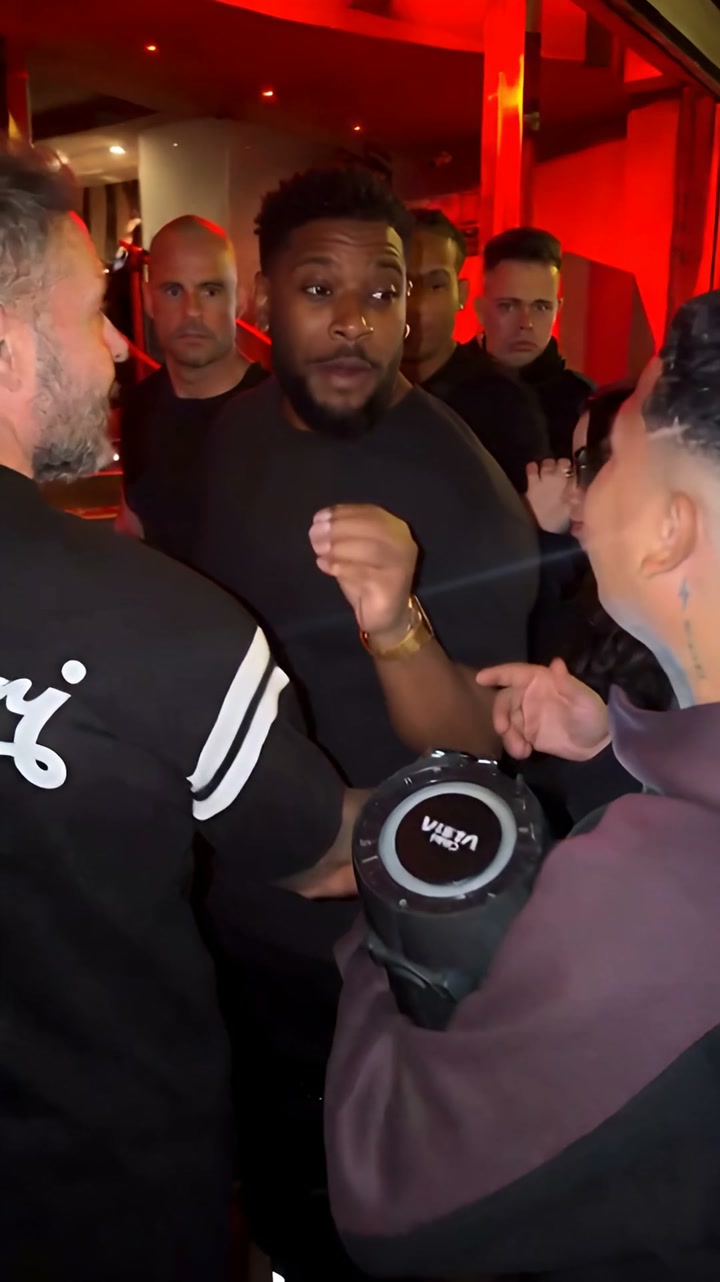
Bulin 47 Freestyle
1 photoExample @visjanukcenaj
1 photo10 sec1080p
From $3.33 / video50 credits
With the 600-credit pack ($39.99 total). USD, before tax.
 Vellm
VellmUpload one clear photo of you (up to 3 for group dances), pick a trend such as Bulin 47, Bad Times, or Wipe Me Down, and get a 7–30-second dance video. Prices start at $3.33 a video, or $4.49 for a single 50-credit video. It takes about 10–15 minutes. Exports are silent: add the trending sound when you post.
Live now. Each card shows the photos it takes, the length and the price. Open one to upload your photo.
Example @visjanukcenaj
1 photo10 sec1080p
From $3.33 / video50 credits
With the 600-credit pack ($39.99 total). USD, before tax.
Example @bouuhyachaka
1 photo30 sec1080p
From $6.67 / video100 credits
With the 600-credit pack ($39.99 total). USD, before tax.
Example @unsvng
1 photo30 sec1080p
From $6.67 / video100 credits
With the 600-credit pack ($39.99 total). USD, before tax.
Example @zenegaooficial
1 photo30 sec1080p
From $6.67 / video100 credits
With the 600-credit pack ($39.99 total). USD, before tax.
Example @jamiemillmusic
3 photos30 sec1080p
From $6.67 / video100 credits
With the 600-credit pack ($39.99 total). USD, before tax.
Example @trendsetterrrrrrr
1 photo14 sec1080p
From $3.33 / video50 credits
With the 600-credit pack ($39.99 total). USD, before tax.
Example @far_quaad0
1 photo12 sec1080p
From $3.33 / video50 credits
With the 600-credit pack ($39.99 total). USD, before tax.
Example @nadianimitt
1 photo17 sec1080p
From $6.67 / video100 credits
With the 600-credit pack ($39.99 total). USD, before tax.
Example @castinggastro
1 photo12 sec1080p
From $3.33 / video50 credits
With the 600-credit pack ($39.99 total). USD, before tax.
Example @chu.u_
1 photo15 sec1080p
From $3.33 / video50 credits
With the 600-credit pack ($39.99 total). USD, before tax.
Example @_alexandramarasigan
1 photo12 sec1080p
From $3.33 / video50 credits
With the 600-credit pack ($39.99 total). USD, before tax.
Example @fergiebabyyy
1 photo30 sec1080p
From $6.67 / video100 credits
With the 600-credit pack ($39.99 total). USD, before tax.
Example @sllykidchaos
1 photo9 sec1080p
From $3.33 / video50 credits
With the 600-credit pack ($39.99 total). USD, before tax.
Example @kaslivaso
1 photo14 sec1080p
From $3.33 / video50 credits
With the 600-credit pack ($39.99 total). USD, before tax.
Example @monikapilon
1 photo12 sec1080p
From $3.33 / video50 credits
With the 600-credit pack ($39.99 total). USD, before tax.
Example @imjoeyreed
1 photo7 sec1080p
From $3.33 / video50 credits
With the 600-credit pack ($39.99 total). USD, before tax.
Example @2u2da
1 photo29 sec1080p
From $6.67 / video100 credits
With the 600-credit pack ($39.99 total). USD, before tax.
Example @danceverse000
1 photo15 sec1080p
From $3.33 / video50 credits
With the 600-credit pack ($39.99 total). USD, before tax.
Example @yuuichijo
1 photo22 sec1080p
From $6.67 / video100 credits
With the 600-credit pack ($39.99 total). USD, before tax.
Example @limonovai
1 photo11 sec1080p
From $3.33 / video50 credits
With the 600-credit pack ($39.99 total). USD, before tax.
Example @jake.visualss_
1 photo20 sec1080p
From $6.67 / video100 credits
With the 600-credit pack ($39.99 total). USD, before tax.
Yes. Babydoll Dance (3 photos) is in the list above, one photo per dancer. For two people, Club Spotlight Couple, Closer Dance, Mi Chico Dance, Abra Kadabra Duo Dance, and Love Options Dance take one photo each. Every other dance template takes one photo of one person.
Example @battos13
2 photos11 sec1080p
From $3.33 / video50 credits
With the 600-credit pack ($39.99 total). USD, before tax.
Example @gnomeboys
2 photos15 sec1080p
From $3.33 / video50 credits
With the 600-credit pack ($39.99 total). USD, before tax.
Example @bobo_le
2 photos19 sec1080p
From $6.67 / video100 credits
With the 600-credit pack ($39.99 total). USD, before tax.
Example @kellyisdancing
2 photos12 sec1080p
From $3.33 / video50 credits
With the 600-credit pack ($39.99 total). USD, before tax.
Example @pyo_bros2
2 photos30 sec1080p
From $6.67 / video100 credits
With the 600-credit pack ($39.99 total). USD, before tax.
Viral originals
Each template follows one viral clip. These are the originals, by their creators, with their original sound, credit and a link to the post. They were not made with Vellm: your video follows the same routine with you.
Every template shows its original trend, how many photos it takes and its price before you start.
One clear photo of you, or up to 3 for templates with more people. There is no prompt to write.
Pay with a one-time credit pack from $4.49. It usually takes about 10–15 minutes, and we email you the link.
Download the MP4 with no watermark. It is silent: add the trending sound in TikTok, Reels or Shorts.
Photo tips
Each card shows how many photos the dance takes. Use a recent photo of each dancer, and only photos of people who agreed to it.
Pricing
One-time credit packs, no subscription. Prices in USD before tax; your currency shows at checkout.
50 credits per video
$4.49 for one video
From $3.33 a video with the 600-credit pack ($39.99).
100 credits per video
$7.99 for one video · $6.99 first purchase
From $6.67 a video with the 600-credit pack ($39.99).
Pick a dance template on this page, upload a clear photo of you and start the generation. There is no prompt to write and nothing to edit: the template sets the dance, scene and camera, and your photo sets who dances. You get a 7–30-second video in about 10–15 minutes.
Yes. Vellm runs in the browser on your phone or computer, so there is nothing to install. Upload the photo, pay with a one-time credit pack and download the finished MP4 with no watermark.
Each template shows its price before you start. 50 credits (Bulin 47 Freestyle, Wipe Me Down Dance, Susan Dell Dance, Toc Toc Dance, Otsukare Summer Dance, Spooky Scary Skeletons Dance, C-Walk AI Dance, Under Arrest Dance, The Jawn Dance, Shan Shen Bu Dance, Looks Can Kill Dance, and Opa Opa Bouncy Hair): $4.49 for a 50-credit pack; 100 credits (Bad Times Trend, Gang Gang Dance, Charme Dance, Babydoll Dance, SaWaDiKa Dance, Fergie Baby Walk, TOESA Quit Job, Tamagawa Koi Dance, and Burning Bridges): $7.99 for a 100-credit pack, or $6.99 on a first purchase. With the 600-credit pack ($39.99) it works out at $3.33 for a 50-credit video and $6.67 for a 100-credit video. Prices are in USD before tax, and no subscription is needed.
One person per photo, in good light, facing the camera, with the whole body from head to feet in the frame. Avoid tight selfies, group photos, motion blur and anything covering the face.
Yes. Babydoll Dance (3 photos) is in the list above, one photo per dancer. For two people, Club Spotlight Couple, Closer Dance, Mi Chico Dance, Abra Kadabra Duo Dance, and Love Options Dance take one photo each. Every other dance template takes one photo of one person.
No. Every export is silent. Add the trending sound from TikTok, Instagram Reels or YouTube Shorts when you post, and line it up with the first move.
Some were: the Bulin 47 result at the top of the page is Vellm output. The viral originals, and every template preview credited to a TikTok or Instagram creator, are clips by those creators, shown with their credit and a link to the post. They were not made with Vellm.
Videos are generated with Seedance 2.5. AI can change hands, faces or clothes during fast moves, so watch the whole clip before you download. A failed generation returns its credits. AI results vary, and a new generation uses credits. If you run into a technical problem, email support@vellm.app.