 Vellm
VellmLoading models…
Popular templates
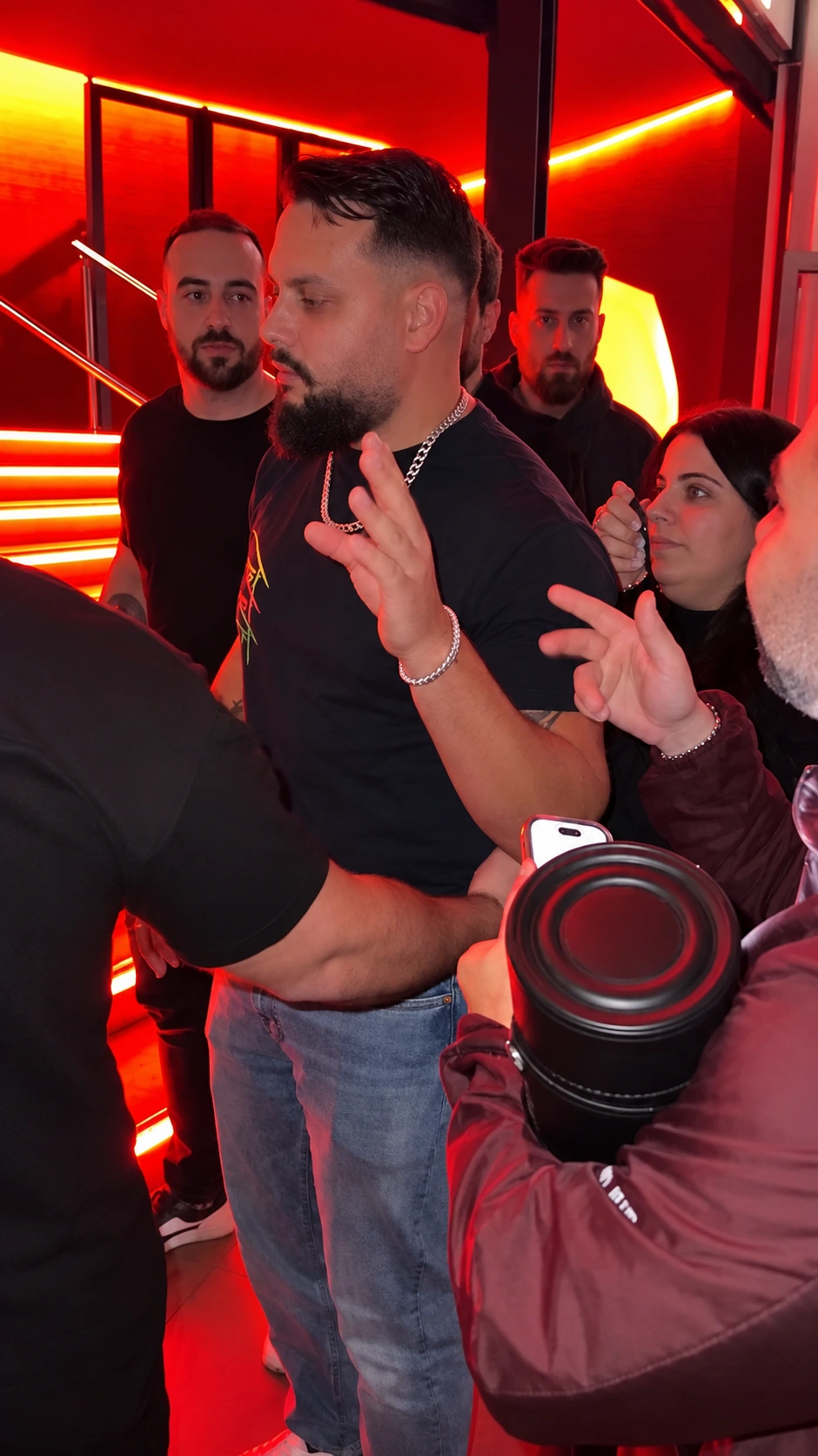
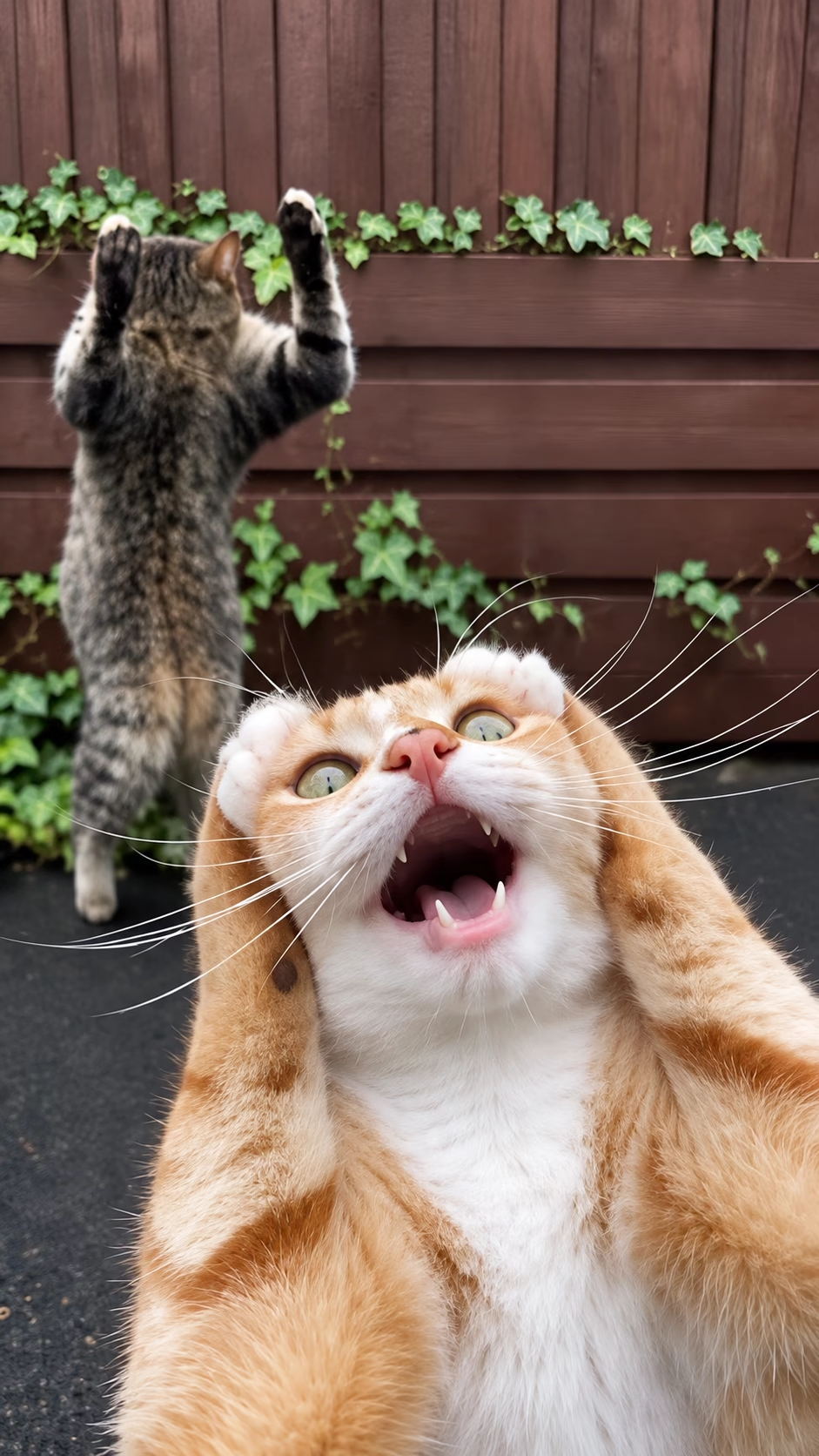
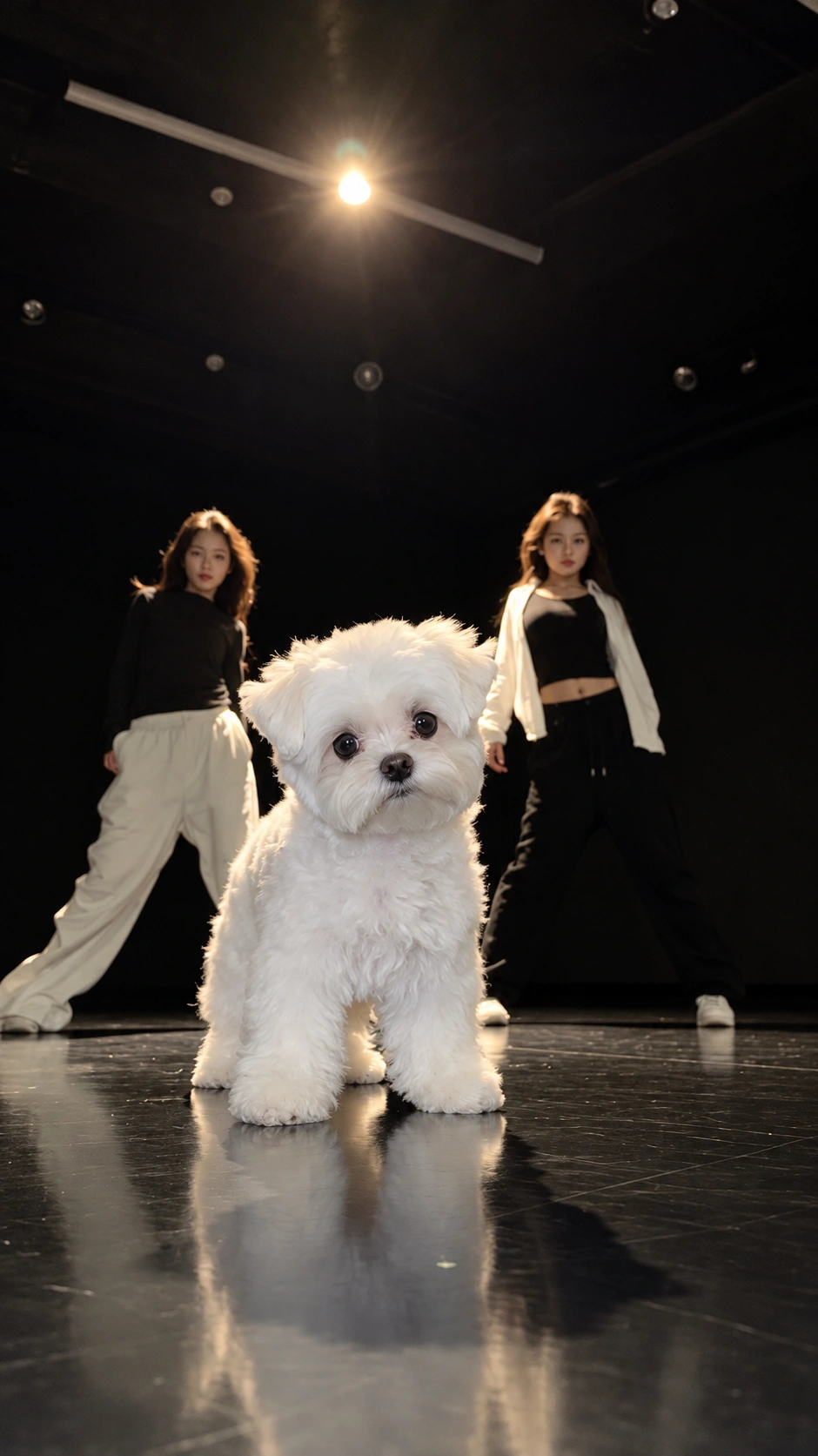
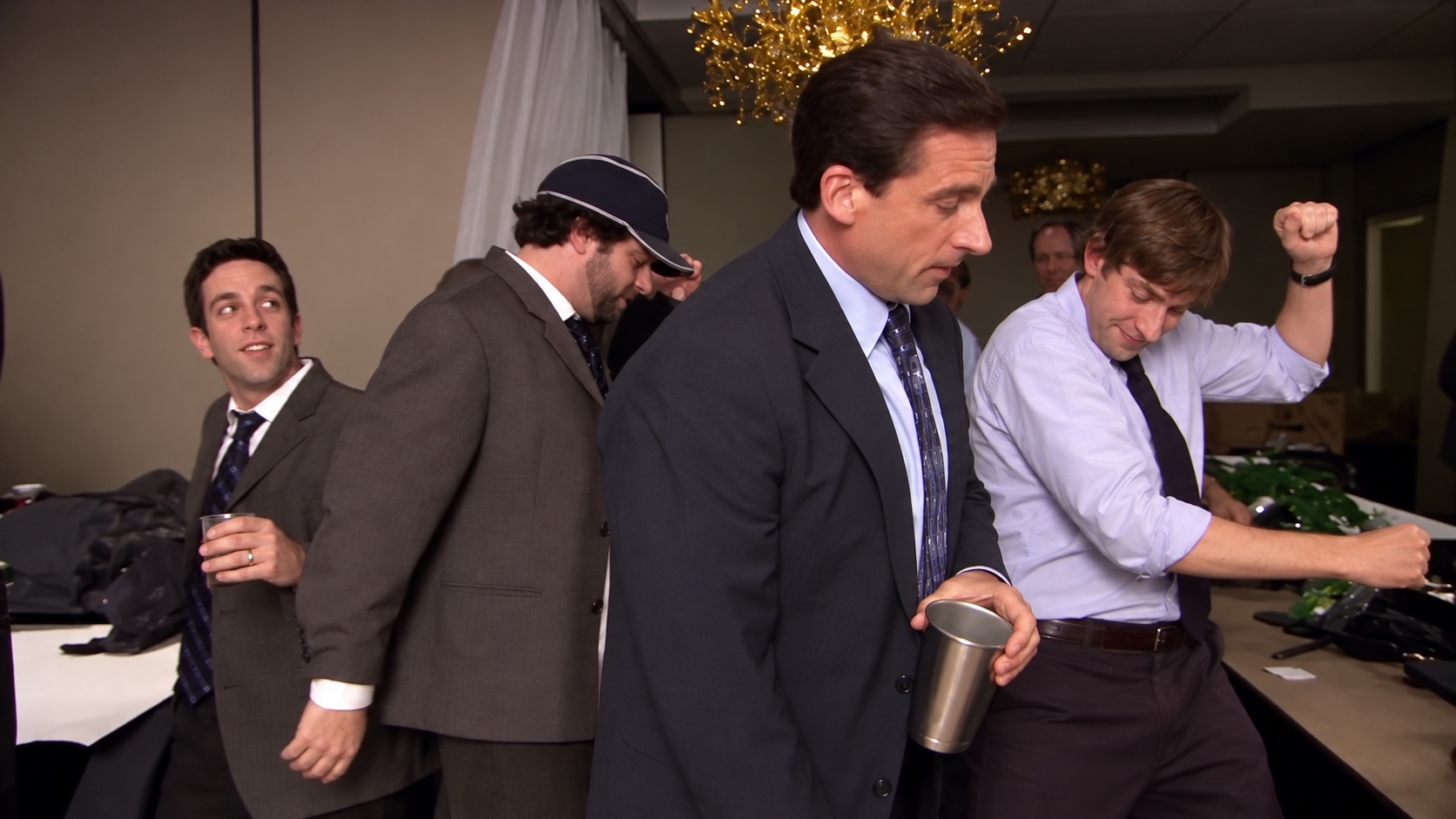
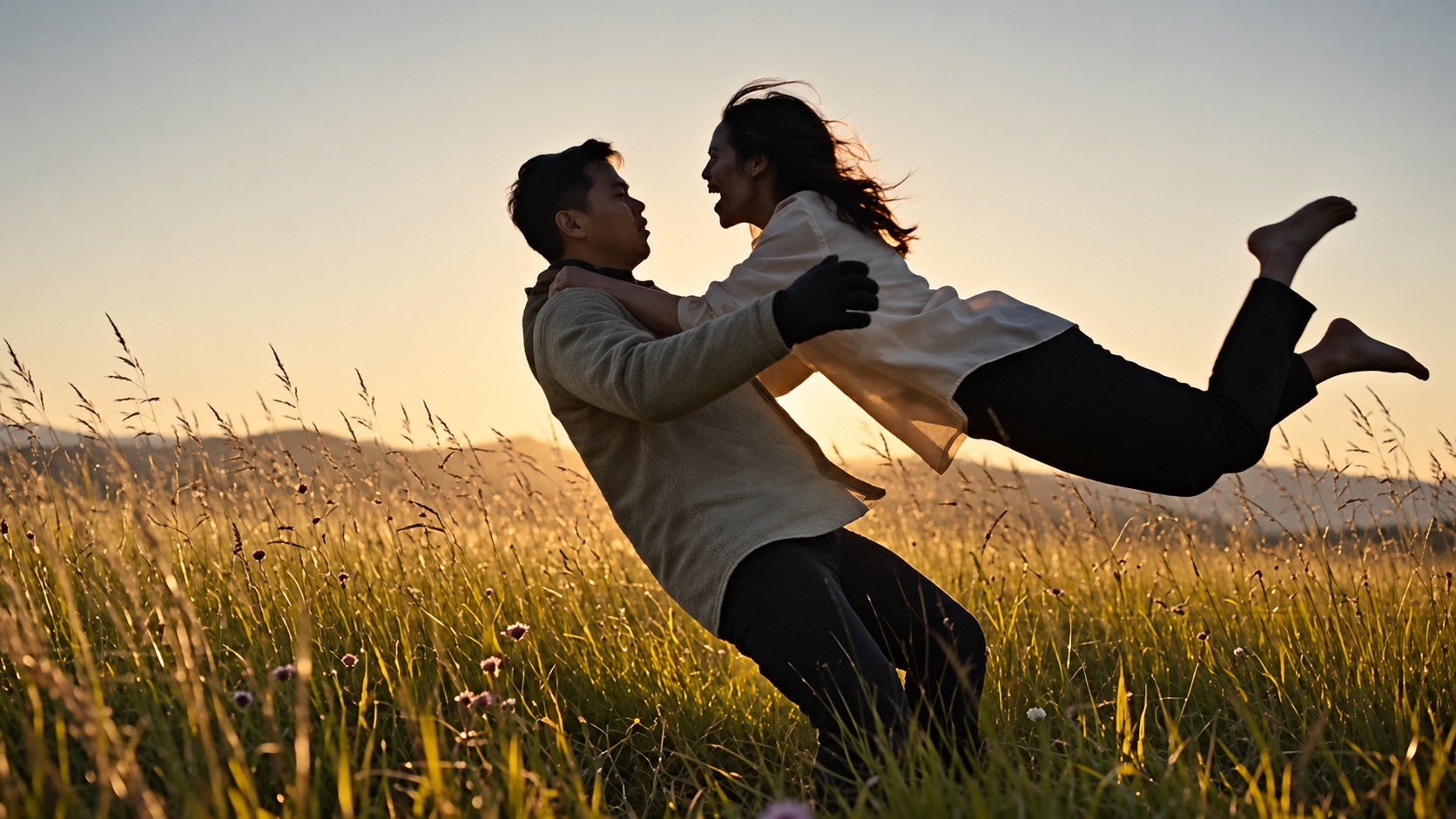
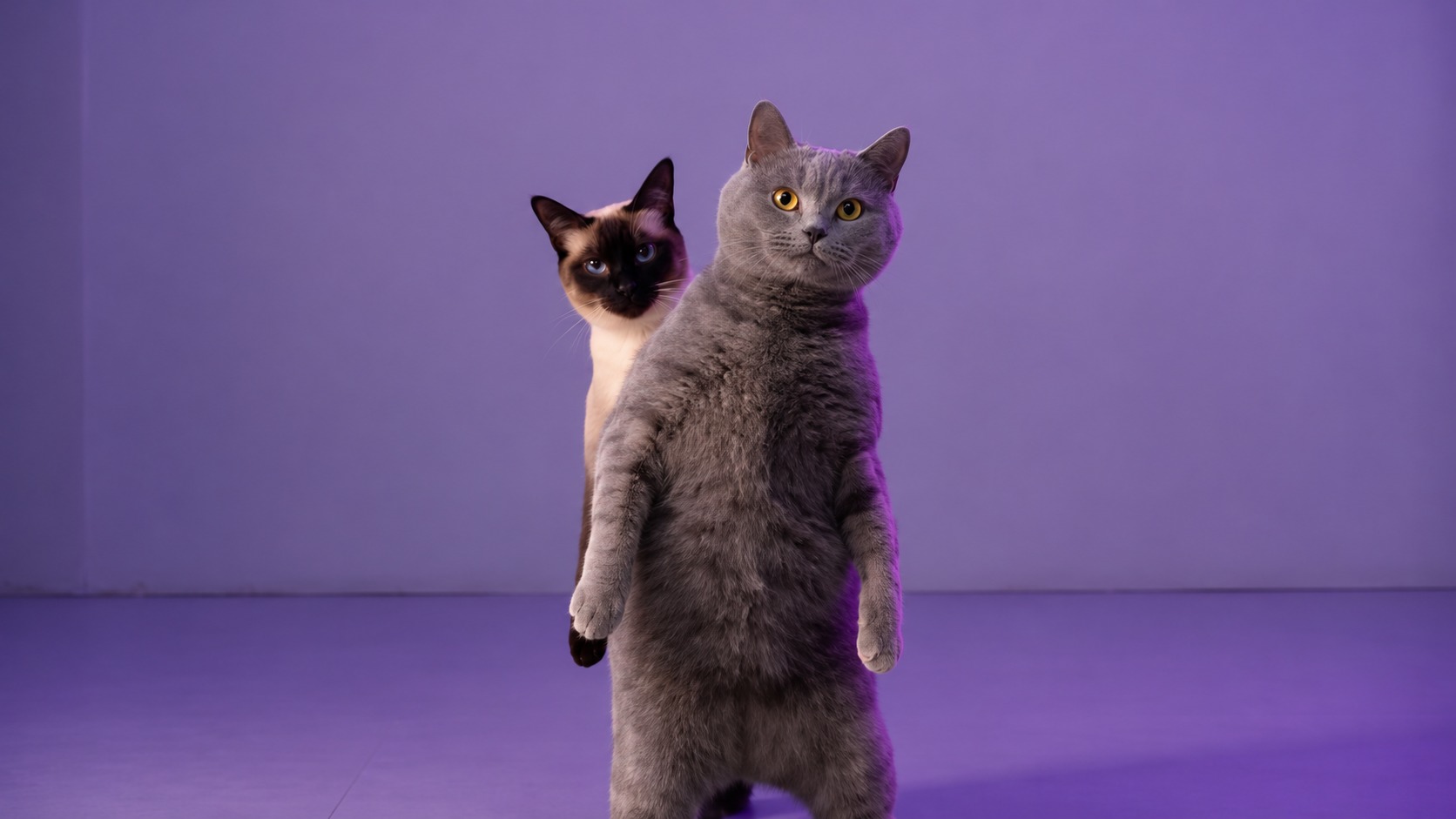
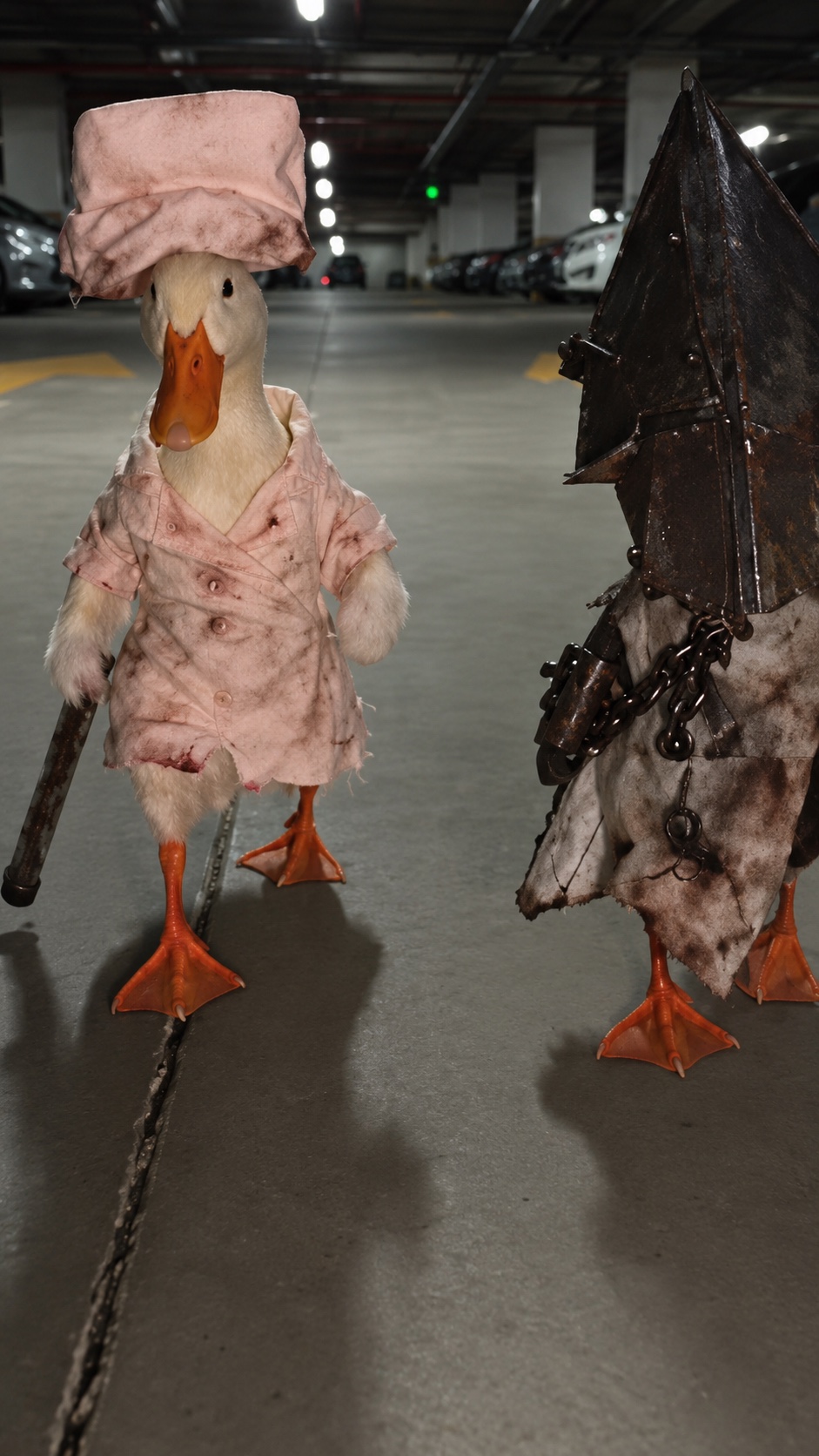
How Create works
Create turns your own photos, clips and words into AI videos and images. The main mode remakes a trending video: you bring the clip and a photo, and the new video keeps the clip's moves and camera with your person, pet or character in it. Other modes mix references, animate a photo, make a video from text or make an image. You choose the model in every mode, and Generate shows the exact credits before you start.
How to remake a trending video
Add the trending video
Upload the clip you want to copy. A video saved from TikTok, Reels or Shorts works. Trim it if you only want part of it.
Add your photo
Pick one clear photo of the person, pet or character who should star. A sharp, front-facing photo works best.
Generate
Tick the permission box and press Generate. The button shows the credits it will use, and your video appears under the composer when it is ready.
Modes
Remake a video
Puts your photo into a trending video, keeping its moves, timing and camera.
- You add
- One video clip and one photo.
- Tip
- Short, steady clips with one clear dancer give the closest result.
Mix references
Blends several references, clips, photos or both, into one new video.
- You add
- Videos and photos, up to the model's file limit, plus a description.
- Tip
- Type @ in the description to say what each file is for, like “@Image1 wears the jacket from @Image2”.
Animate a photo
Makes a still photo move, starting from that exact frame.
- You add
- One photo and a short description of the motion.
- Tip
- Describe one simple movement and the camera, like “slow zoom in while she smiles”.
From text
Makes a video from a written description alone.
- You add
- Nothing but a description.
- Tip
- Say who is in the shot, what happens and how the camera moves.
Image
Makes a new picture, or edits a photo you add.
- You add
- A description, plus a photo if you want to edit one.
- Tip
- For an edit, name the change plainly, like “make the background a beach at sunset”.
Questions about Create
AI videos and images from your own files and words. Remake a trending video with your photo, mix several references into one video, animate a photo, make a video from a description, or make and edit images.
To copy a trending clip with your own person or pet, use Remake a video. To combine several clips or photos, use Mix references. To make one photo move, use Animate a photo. With no files at all, use From text. For pictures, use Image.
A remake is as long as your clip, up to 30 seconds depending on the model; trim a longer clip to the part you want. The other video modes make up to 30 seconds, also depending on the model. Clips you upload can be up to 60 seconds before trimming.
It depends on the model and your settings: resolution, length and, for a remake, the length of your clip. The credits on the Generate button are exactly what is charged. If a generation fails, the credits come back. Videos start from 2 credits; images start from 1.
Trending clips often carry a popular song or someone else's voice, and generating with sound can then be blocked for copyright. You can turn sound on with the Audio chip on models that support it; if a generation fails, your credits come back.
Yes. Only upload photos and videos you have the right to use, and only of people who agreed to it. Anyone shown in an uploaded photo must be 18 or older and have agreed to appear.
19 video models and 14 image models, including Seedance 2.5, Nano Banana 2.1, Seedance 2.0 Fast, and Veo 3.1 Lite. Each mode marks its recommended model; tap the model chip to compare the others and their prices.
Yes. Your files and results are never made public. Files stay on your device until you generate. After that, uploads are scheduled for deletion 7 days after upload, and results 30 days after they are made. Download anything you want to keep. See the Privacy Policy for details.