 Vellm
1 photo · 17 sec
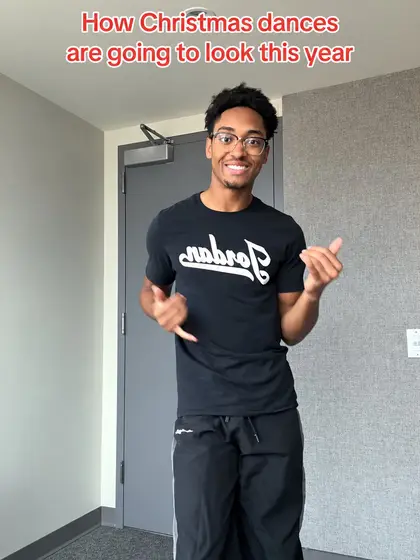
Christmas Dances This Year AI
1 photoOriginal trend @tywaltchristmas
1 photo17 sec1080p
1 video: $9.99100 credits
From $9.17 / video with the Keep creating pack (600 credits, $54.99 total). USD.
Upload a photo of you or your pet, pick a Christmas trend such as Christmas Dances This Year or the Reindeer Dog, and get a 10–29-second vertical 9:16 video for $6.99, or $4.58 each with a bigger pack. It takes about 7 minutes. Silent; most also offer original clip sound for personal viewing. No account needed to buy once.
Original trend @tywaltchristmas
1 photo17 sec1080p
1 video: $9.99100 credits
From $9.17 / video with the Keep creating pack (600 credits, $54.99 total). USD.
Original trend @mistermainer
1 photo15 sec1080p
1 video: $6.9950 credits
From $4.58 / video with the Keep creating pack (600 credits, $54.99 total). USD.
Original trend @oakeethegoldie
1 photo10 sec1080p
1 video: $6.9950 credits
From $4.58 / video with the Keep creating pack (600 credits, $54.99 total). USD.
Original trend @larpmaxinggggg
2 photos29 sec1080p
1 video: $13.99150 credits
From $13.75 / video with the Keep creating pack (600 credits, $54.99 total). USD.
Most videos are ready in about 7 minutes. If a generation fails, your credits come back automatically.
Every template shows its original trend, how many photos it takes and its price before you start.
One clear photo, or up to 2 for templates that take more. Each template page says what to upload. There is no prompt to write.
Pay with a one-time credit pack: $6.99 for one video, or $4.58 each with the Keep creating pack (600 credits). It usually takes about 7 minutes, and we email you the link.
Download the MP4 with no watermark. The original clip's sound is optional on most templates, for personal viewing. To post, use the silent version and add the trending sound in TikTok, Reels or Shorts.
Photo tips
Each card shows how many photos it takes and whether it wants a person or a pet. Only use photos of people who agreed to it.
Pricing
One-time credit packs; no subscription needed. Prices in USD; your currency shows at checkout.
50 credits per video
$6.99 for one video
From $4.58 a video with the Keep creating pack (600 credits, $54.99 total).
100 credits per video
$9.99 for one video
From $9.17 a video with the Keep creating pack (600 credits, $54.99 total).
150 credits per video
$13.99 for one video
From $13.75 a video with the Keep creating pack (600 credits, $54.99 total).
Pick a template on this page, upload a clear photo of you, a friend or your pet and start the generation. There is no prompt to write: the template sets the moves, the scene and the camera, and your photo sets who is in it. You get a 10–29-second video in about 7 minutes, ready to send or post.
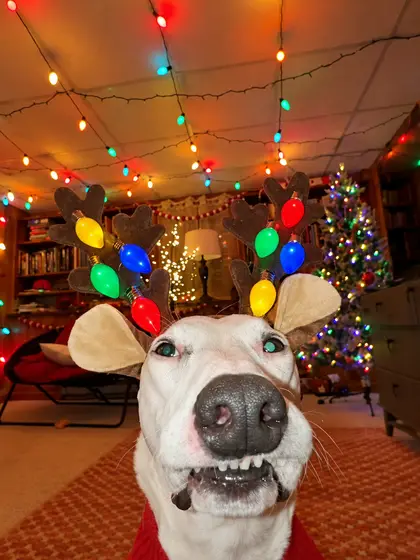
Yes. Reindeer Dog AI and Christmas Tree Dog AI take one photo of your dog or cat and dress it up for Christmas. Use a close, front-facing photo of its face.
Yes. Don't You Dare Christmas AI takes one photo of each of you, and Christmas Dances This Year AI has a Duo version for two people, one person per photo. Ask them before you upload their photo.
Yes. Download the MP4 and send it in a message or a group chat, or post it to TikTok, Instagram Reels or YouTube Shorts. Nothing is posted for you.
Before you start, each template shows its price for HD and Studio, and for Cinema where it is offered. HD videos use 50 credits (Reindeer Dog AI and Christmas Tree Dog AI), covered by the One short video pack (50 credits, $6.99); 100 credits (Christmas Dances This Year AI), covered by the Try one pack (100 credits, $9.99); 150 credits (Don't You Dare Christmas AI), covered by the Studio or long video pack (150 credits, $13.99). Studio and Cinema cost more. With the Keep creating pack (600 credits, $54.99 total) it works out at $4.58 for a 50-credit video and $9.17 for a 100-credit video and $13.75 for a 150-credit video. Prices are in USD, and no subscription is needed.
Yes, on most templates. Download it silent to post, then add the trending sound from TikTok, Instagram Reels or YouTube Shorts and line it up with the first move. Or download it with the original clip's sound for personal viewing; that sound is not licensed for public posts.
No. Pay once at checkout with your email address and we email you the link to your video. Buying once as a guest starts no subscription.
No. Every template preview credited to a TikTok creator is a clip by that creator, shown with their credit; its template page links to the post. They were not made with Vellm.
Videos are generated with Seedance 2.5. AI can change faces, hands, paws or lights during fast moves, so watch the whole clip before you download. A failed generation returns its credits. AI results vary, and a new generation uses credits. If you run into a technical problem, email support@vellm.app.