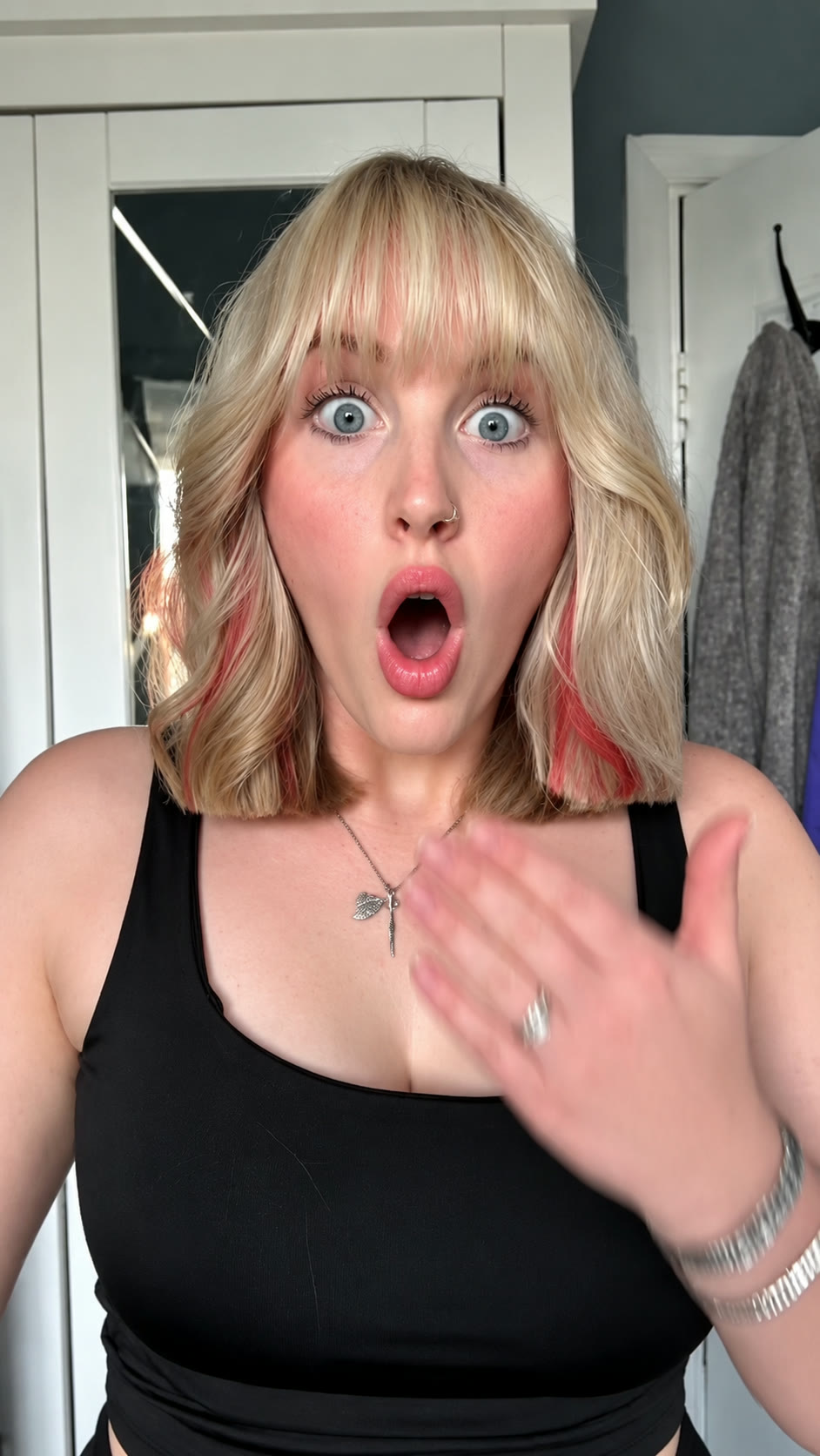
Load TikTok’s player to watch this reference. This connects your browser to TikTok.
If the player is unavailable in your region or the post has been removed, try opening the original post.
View original post ↗ Vellm
VellmOne photo of you with your hair down becomes a prank clip where you snip your hair into a chin-length bob. 10-second silent vertical AI video; nothing is actually cut.
0 of 1 required
Add your photos
0 of 1 added
You
Photo 1: you with your hair down, face and shoulders clearly visible. The person in the photo has agreed to appear.Use photos you have permission to use.
We’ll email a link to the email you use at checkout. No sign-in is needed to view your video.
Load TikTok’s player to watch this reference. This connects your browser to TikTok.
If the player is unavailable in your region or the post has been removed, try opening the original post.
View original post ↗Load TikTok’s player to watch this reference. This connects your browser to TikTok.
If the player is unavailable in your region or the post has been removed, try opening the original post.
View original post ↗Load TikTok’s player to watch this reference. This connects your browser to TikTok.
If the player is unavailable in your region or the post has been removed, try opening the original post.
View original post ↗Credit does not establish trend ownership or permission to reuse a creator’s work.
To make the bob filter prank video, upload one photo with your hair down and generate. You get a 10-second vertical video for 50 credits; the smallest pack is USD 4.49. The export is silent, so add sound when you post.
This template recreates the AI bob haircut filter prank, also searched as bob filter AI. You start with your hair down, snip your hair into a blunt chin-length bob and react with a shocked face. Upload one photo with your hair down and get a short phone-style video.
Good photo. One person, facing the camera, hair worn down past the shoulders, face and shoulders clearly visible.
Share it honestly. Nothing is actually cut. The point of the prank is the reveal, so tell people the clip is AI when you post it.
Use a photo of yourself, or of someone who has agreed to appear. The template needs the hair to be visible so the cut makes sense.
More AI prank video templatesUSD 4.49 buys 50 credits, enough for one video with this template. This is a one-time purchase. Taxes are shown at checkout.
One-time credit packs are available. A subscription is optional. See current prices.
A short-video prank where a person with long hair appears to cut it into a bob on camera, then shows a surprised reaction. The cut is created with AI. This template recreates it from one photo.
One photo of you with your hair down. Face and shoulders should be clearly visible.
No. The haircut exists only in the generated video. Say it is AI when you share it so nobody is misled.
10 seconds, vertical 9:16, with a 1080p enhanced export and no sound.
50 credits. The smallest one-time pack that covers it is 50 credits for USD 4.49. No subscription is needed.
The prank works best when the photo shows long or shoulder-length hair, so the cut is visible.
The export is silent. Add your own sound in the posting app.
The video exports without sound. Add music available for your account and intended use in your posting app, then check the timing before sharing.
The original clip guides the motion and timing. Check that your face stays recognisable and the new bob looks natural; AI may change hair length or texture slightly. A new generation uses another 50 credits and may look different.
A failed generation returns the credits it used. This is a credit return, not a cash refund. For a completed result or billing issue, contact support. See the service terms for details.
No. Your downloaded video has no watermark.
Generation usually takes about 10–15 minutes. It can take longer when the service is busy. We email you when your video is ready.
No account is needed for a one-time purchase. Use your checkout email to recover your creations. If you create a video while signed in, use the same account to view it.
AI results vary, and a new generation uses credits. If you run into a technical problem, email support@vellm.app.
You can request a refund for a one-time credit pack within 7 days of purchase if none of its credits have been used. Email support@vellm.app. See our terms for details and your consumer rights.
Photos are scheduled for deletion after 7 days and videos after 30 days. Download your video before it expires. See our Privacy Policy for details.
contact support · Terms of Service · Privacy Policy
How credits and video costs work